
Firefox browser is one of the most popular internet browsers in the world. It comes with several features and additions that put it in fierce competition from other browsers, such as the famous Internet browser, Google Chrome, and the powerful Microsoft Edge Chromium browser.
1. Password Management: LastPass
For managing your passwords, we recommend the LastPass Firefox extension.
LastPass is an award-winning password manager, and this extension keeps your passwords both safe and accessible — which may seem like a catch-22, but it isn’t.
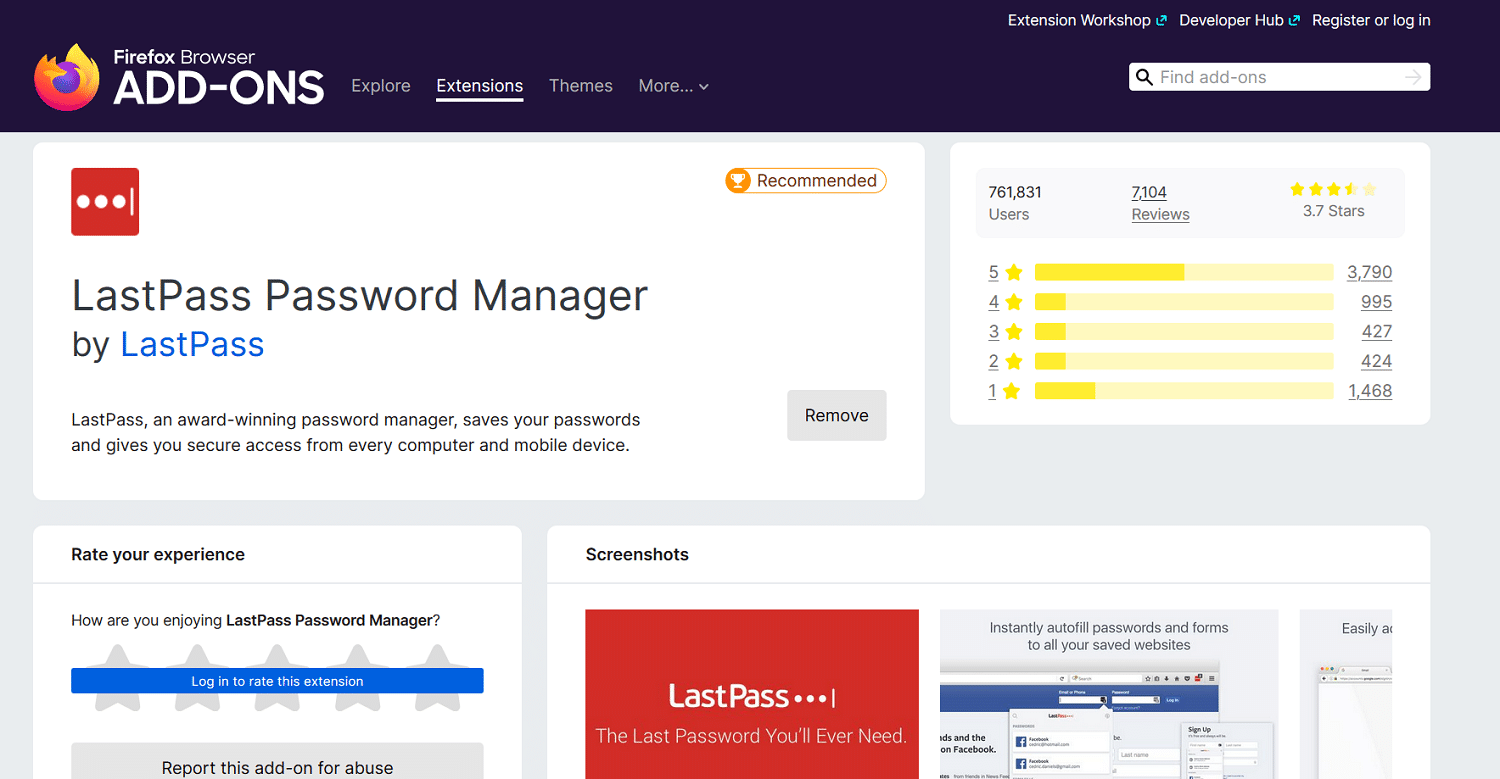
It locks your passwords safely behind two-factor identification on iron-clad, secure, and encrypted servers.
To access any password, you need to use your LastPass password and your email address or a mobile phone number.
Features:
- It stores passwords securely in the cloud, so you only need to remember one.
- Allows access to passwords on all devices, including native apps for Android and iOS.
- Protects your passwords with military-grade encryption.
Benefits:
- Never worry about forgetting a password and going through a lengthy resetting process again.
2. Ad and Tracker Blocking: uBlock Origin
uBlock Origin is different from any other adblocker in that it doesn’t just come with a specific built-in library of things to block.
Instead, it’s a “wide-spectrum content blocker” that goes beyond just essential adblocker lists. It focuses on also limiting JavaScript and other elements that can slow down your experience and use extra computer resources.
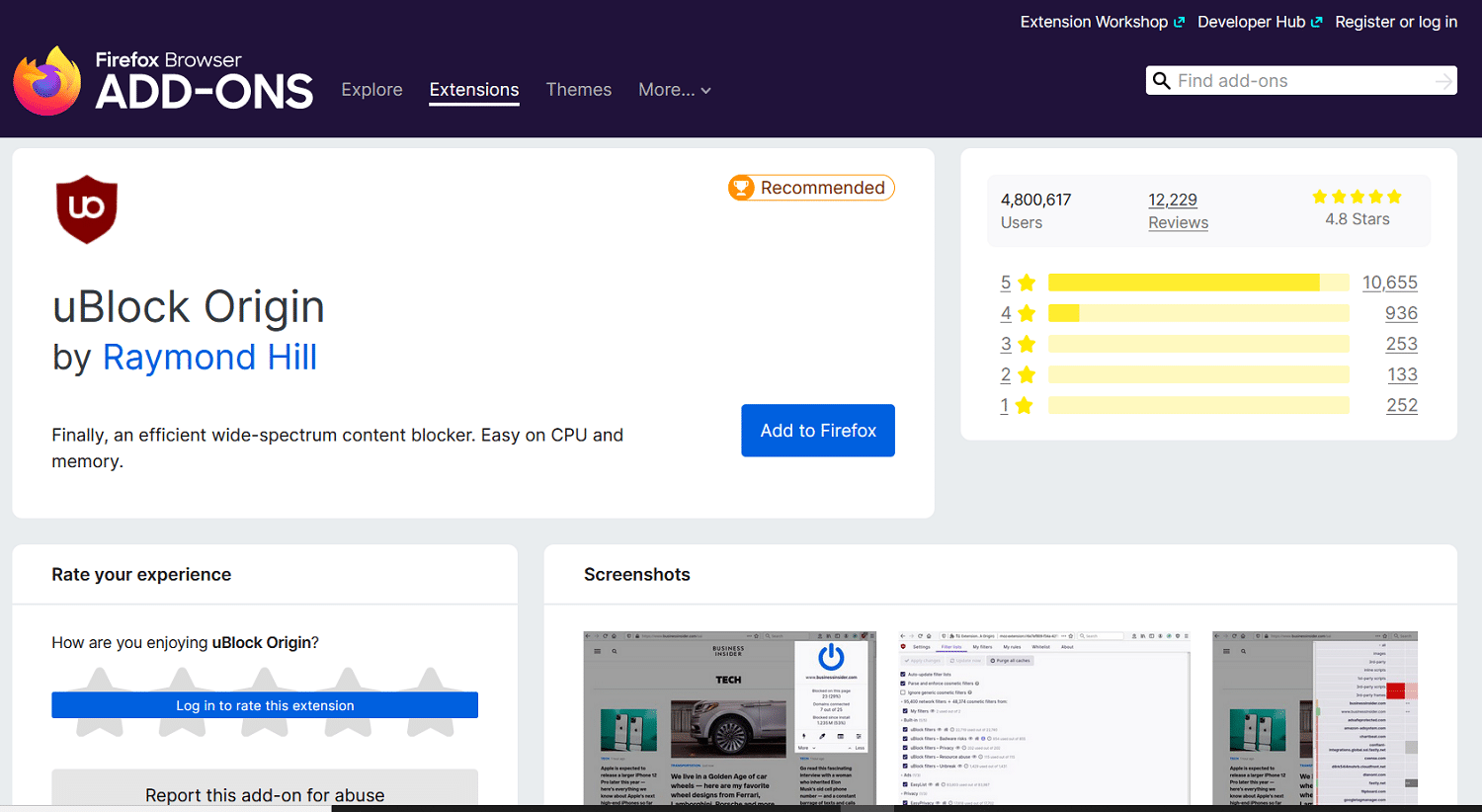
By default, it comes with multiple blocking lists focused on both online ads and trackers to help you enjoy an ad and tracker-free experience online.
Features:
- Blocks ads effectively with multiple up-to-date ad-blocking lists, including EasyList.
- Blocks trackers to protect your privacy online.
Benefits:
- Enjoy an ad-and tracker-free browsing experience.
- Boost the performance of your browser and computer by blocking JavaScript globally — though this may interfere with the functionality of some websites.
3. Grammar and Spell Checking: LanguageTool
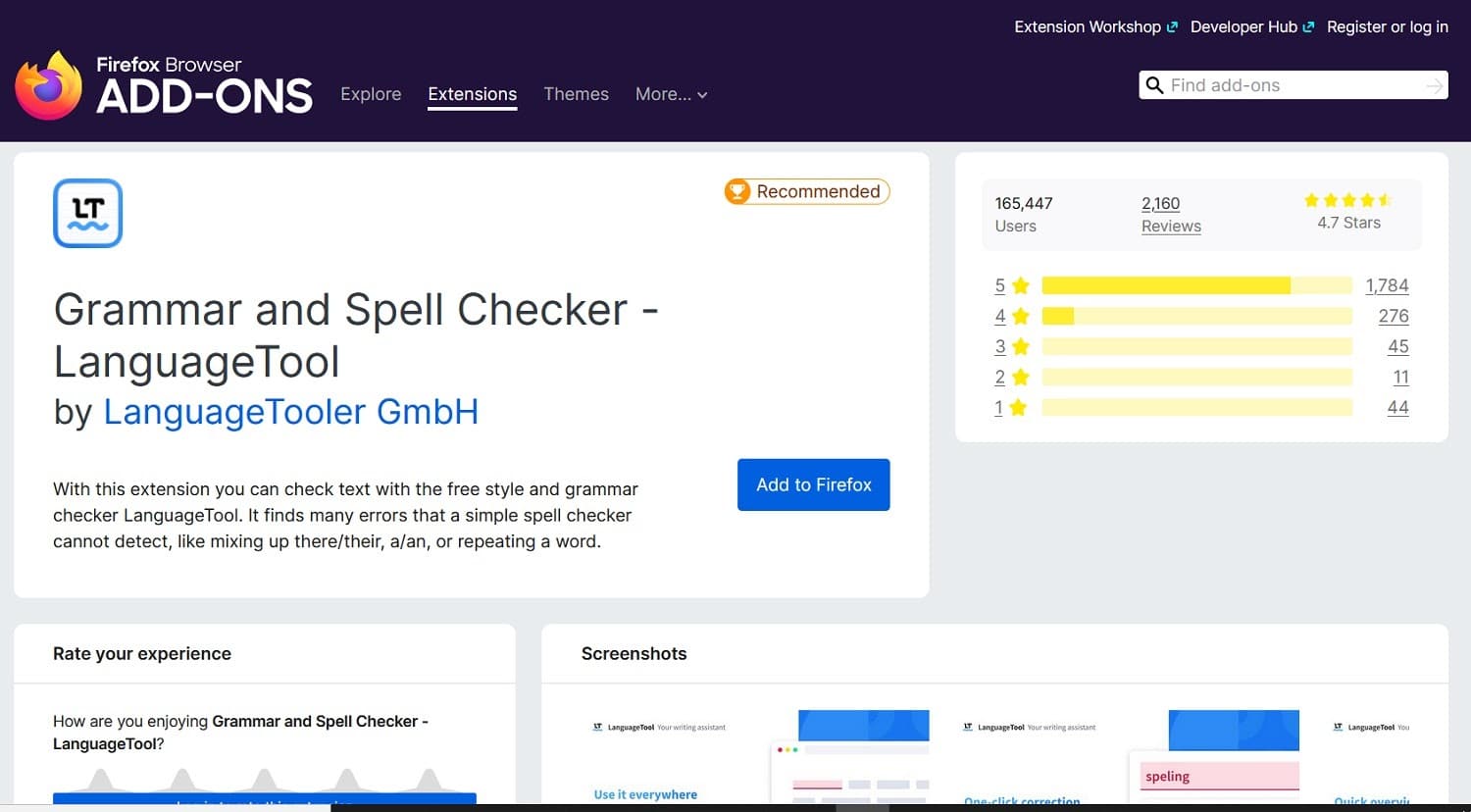
If you want some help with grammar and spelling when writing emails or web content, look no further than LanguageTool.
Stop worrying about using words like ‘their’ and ‘there’ correctly. You’ll get the correct answer instantly, without having to ask Google for help.
It’s beneficial if you work in a job where you rely on emails as a necessary form of communication.
You can also use it to make sure any blog or social media posts are grammatically correct.
Features:
- Proofreads and edits as you type emails, social media posts, or create other content online in your browser.
- Allows you to correct errors in your writing with a single click.
Benefits:
- Learn better grammar through writing without hiring a teacher, reading dry grammar books, or taking classes.
- No registration, account, or subscription is required.
4. SEO: SEOQuake
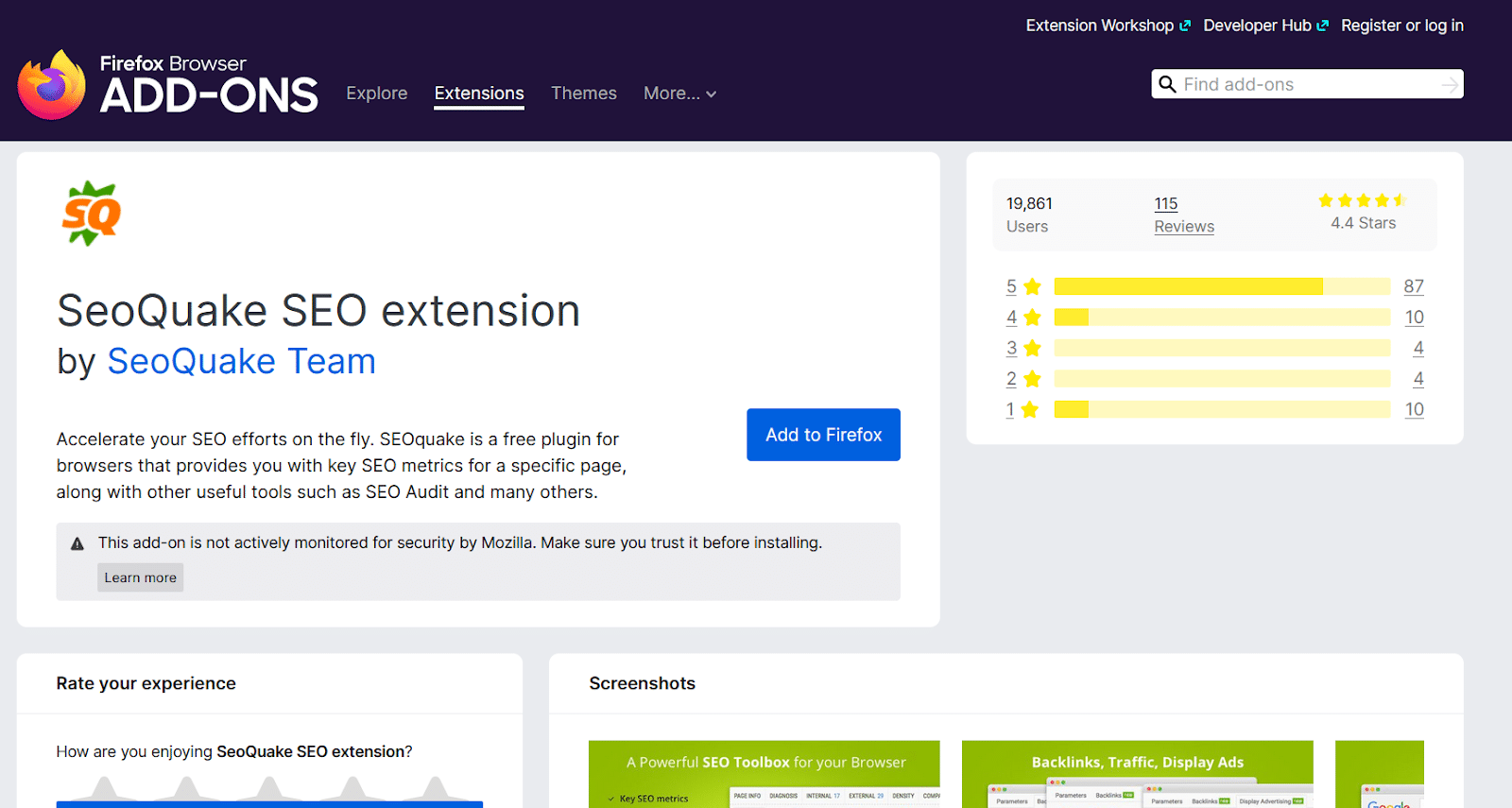
If you’re looking for a Firefox extension to help you boost your SEO results, SeoQuake is a great place to start.
It’s an entirely free plugin that gives you access to many different SEO metrics for every page you visit.
If you have a WordPress site, you may also want to explore our list of recommended SEO plugins for WordPress. They can help you directly improve your on-site SEO, which you can use with this external data to boost your rankings.
Features:
- It shows you backlinks, traffic, display ads, and other SEO information for pages that you visit.
- Evaluates the mobile usability of your site or your competitors’ websites.
- Exports results to a CSV format.
- Provides social sharing statistics for different pages.
Benefits:
- Get a leg up on your competition by doing an in-depth audit of your key pages and blog posts.
5. Readability: Tranquility Reader
If you’re struggling to read online content because of autoplaying videos, ads, widgets, and other invasive media content, you can use Tranquility Reader to eliminate everything but the text.
You can even set your own custom rules for removing and keeping to create a tailored experience for you.
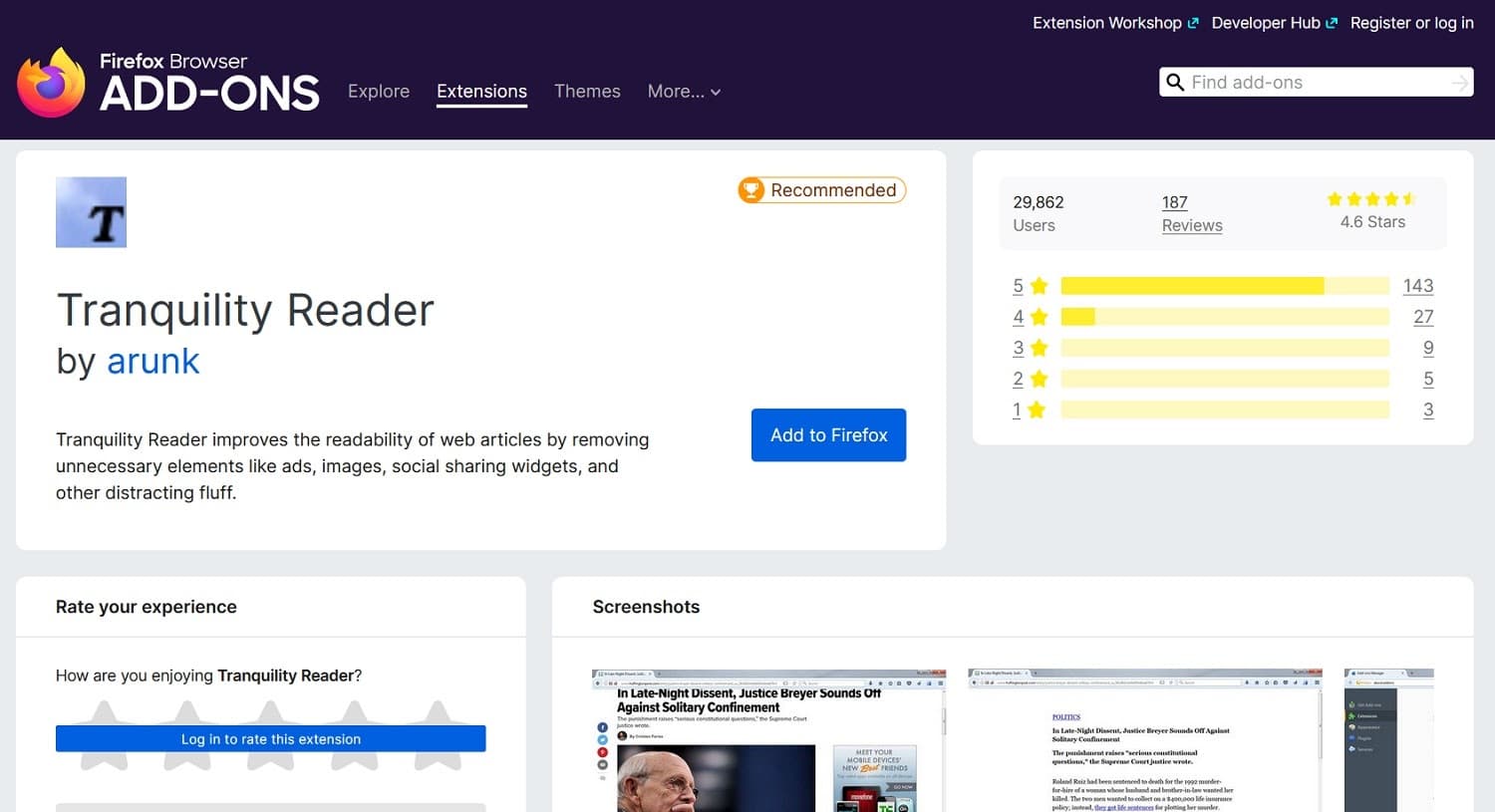
If you’re struggling to read because of small text or colored backgrounds, you can set custom font sizes, colors, and backgrounds.
You can also save content offline for reading later without an internet connection.
Features:
- Removes ads, auto-playing videos, social sharing widgets, images, and more from online content.
- Edits the font size, color, and background to make it more readable for you.
- It gives you the option to save content offline for reading later.
Benefits:
- Read your favorite blogs or online newspapers without any interruptions.
- Create a custom reading experience that isn’t as taxing on your eyes.
6. Time Management: Tomato Clock
If you’re working from home for the first time or want to experiment with new time management strategies, Tomato Clock is a Firefox extension that might help you.
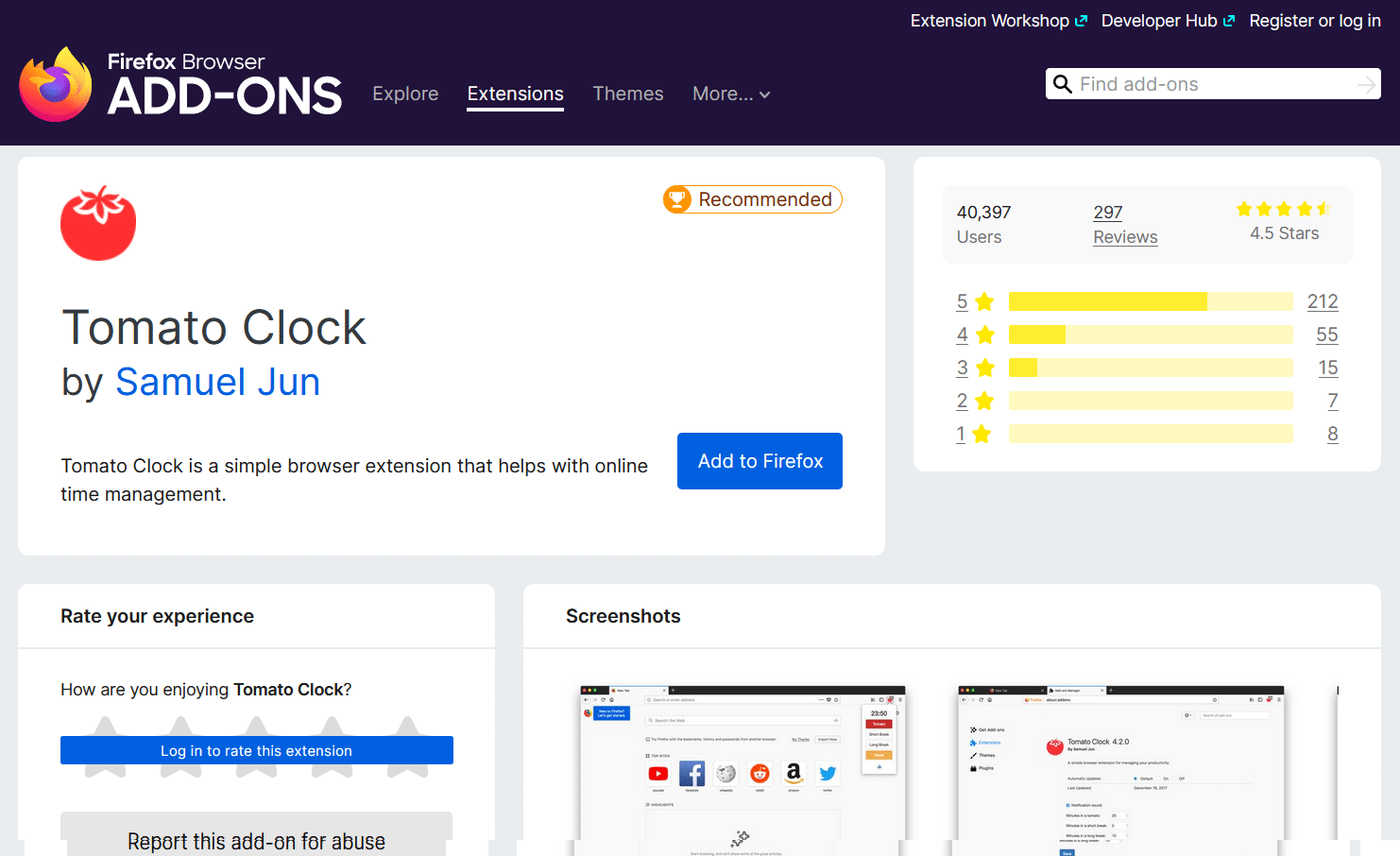
It follows the “Pomodoro technique,” breaking down your work hours into sessions of 25 minutes followed by five-minute breaks.
The technique is designed to help you stay hyper-focused on work for short periods to avoid burning out throughout the day.
You can also control the timer lengths depending on your methods and strategies.
Features:
- Automatically tracks time worked and divides your workday into work and rest periods — by default, 25 minutes work, five minutes off.
- Allows you to customize the timer to any length.
Benefits:
- Improve your efficiency and productivity with better time management.
7. Tab Management: Tree Style Tab
Are you tired of losing control over dozens of different open tabs? Tree Style Tab can help you take control of the madness.
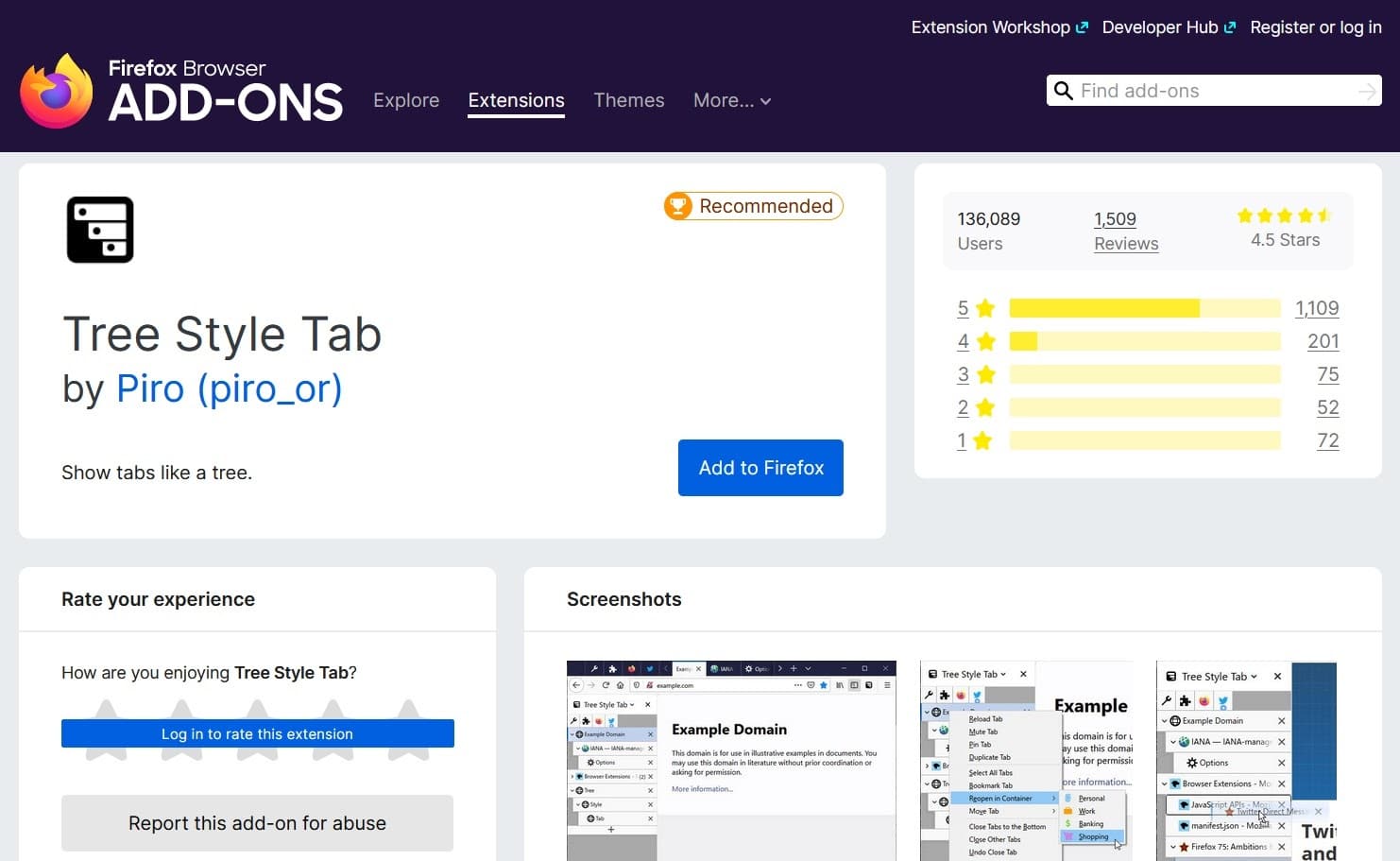
By arranging your tabs into expandable “trees,” you can keep track of different websites and pages as you go back and forth between tasks.
The extension automatically creates this tree based on clever cues like search activity, but you can freely edit it yourself.
Features:
- Opens every search result in a new child tab automatically.
- Allows you to restructure the tree using drag-and-drop functionality freely.
Benefits:
- Never lose track of a crucial page while doing online research again.
8. Screenshot: Full Web Page Screenshots (FireShot)
If you want to capture full-page screenshots of an entire webpage, you can use the FireShot extension.
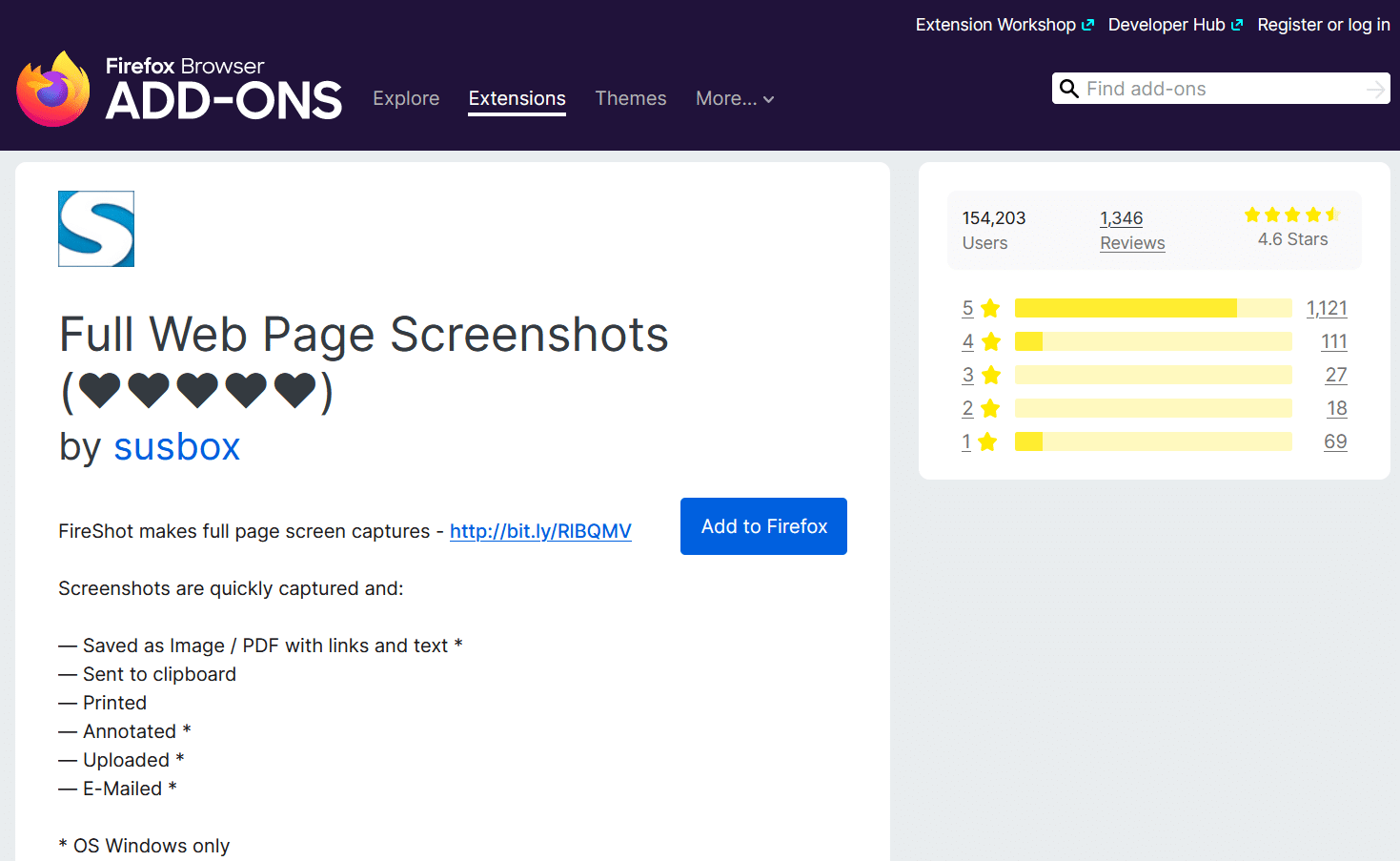
With this extension, you can capture, edit, annotate, and save webpage screenshots as an image or PDF file with links and text.
It’s an easy way of storing online research on your computer.
Features:
- Capture partials or full-page webpage screenshots.
- It gives you the option to annotate with text, shapes, arrows, and icons.
- Saves as images or PDF files with links and text.
Benefits:
- Make efficient notes during online research of competitors, or improve your how-to guides with instructive screenshots.
9. Secure Browsing: Avast Online Security
If you want to avoid dangerous sites online, the Avast Online Security extension for Firefox can help.
It uses a crowdsourced library of web reputation ratings to help you avoid any fishy sites, scams, or viruses.
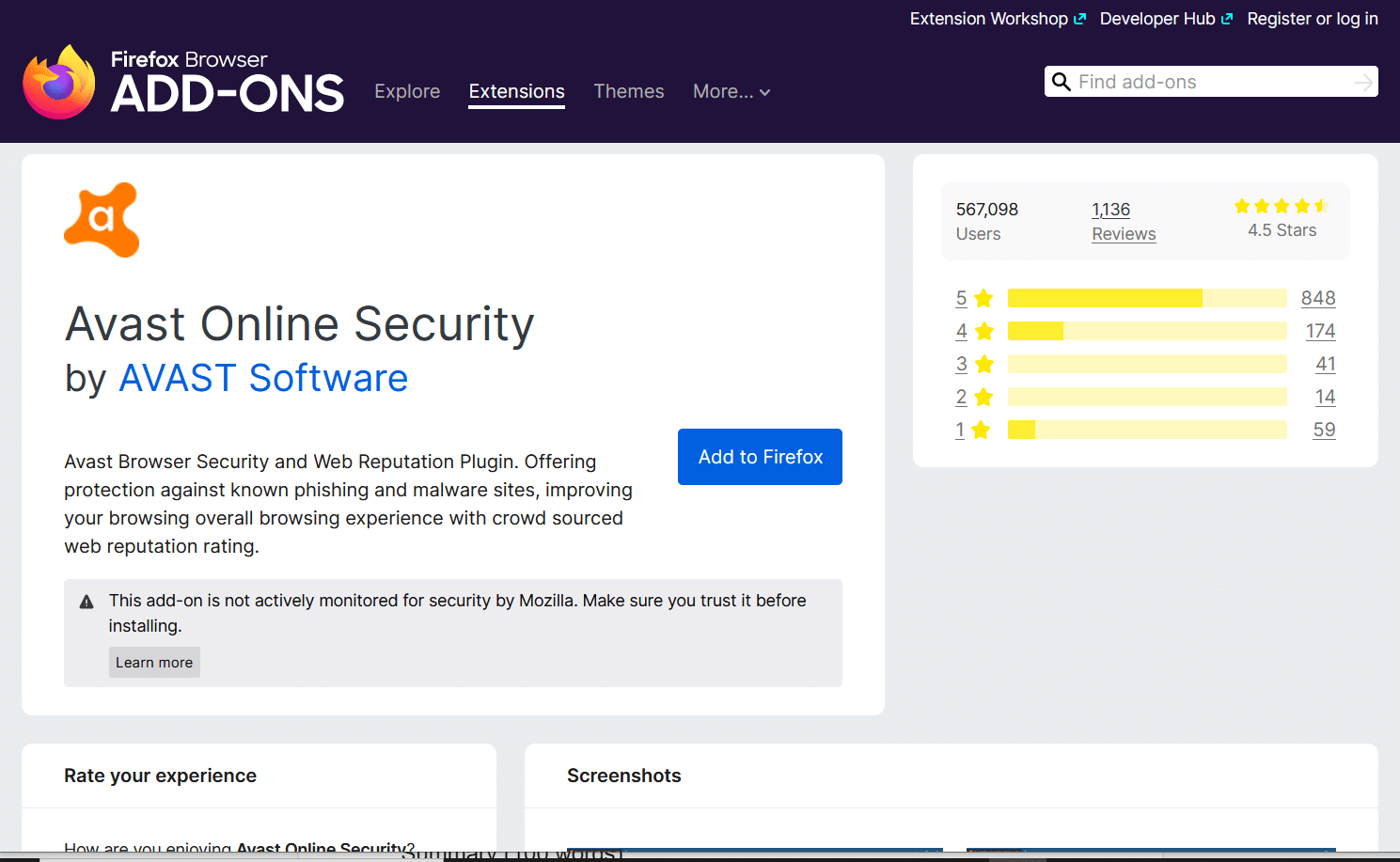
It can help you avoid phishing sites, malware, and more. It’s a great extension if you care about online privacy and security — and who doesn’t these days?
Features:
- It helps you avoid known phishing scams and malware sites using crowdsourced data.
- Allows you to check the rating of any website in seconds.
- It gives you the option to rate websites on their trustworthiness.
Benefits:
- Use the past experiences of 400+ million Avast users to minimize your exposure to scams and malware.
10. Eye Protection: Dark Reader
Do pages with white backgrounds hurt your eyes over time as you stare at screens throughout your workday? Thankfully, you no longer have to endure this if a website doesn’t offer dark mode.
With the Firefox extension Dark Reader, you can turn on dark mode for any page, even if the websites don’t offer it.
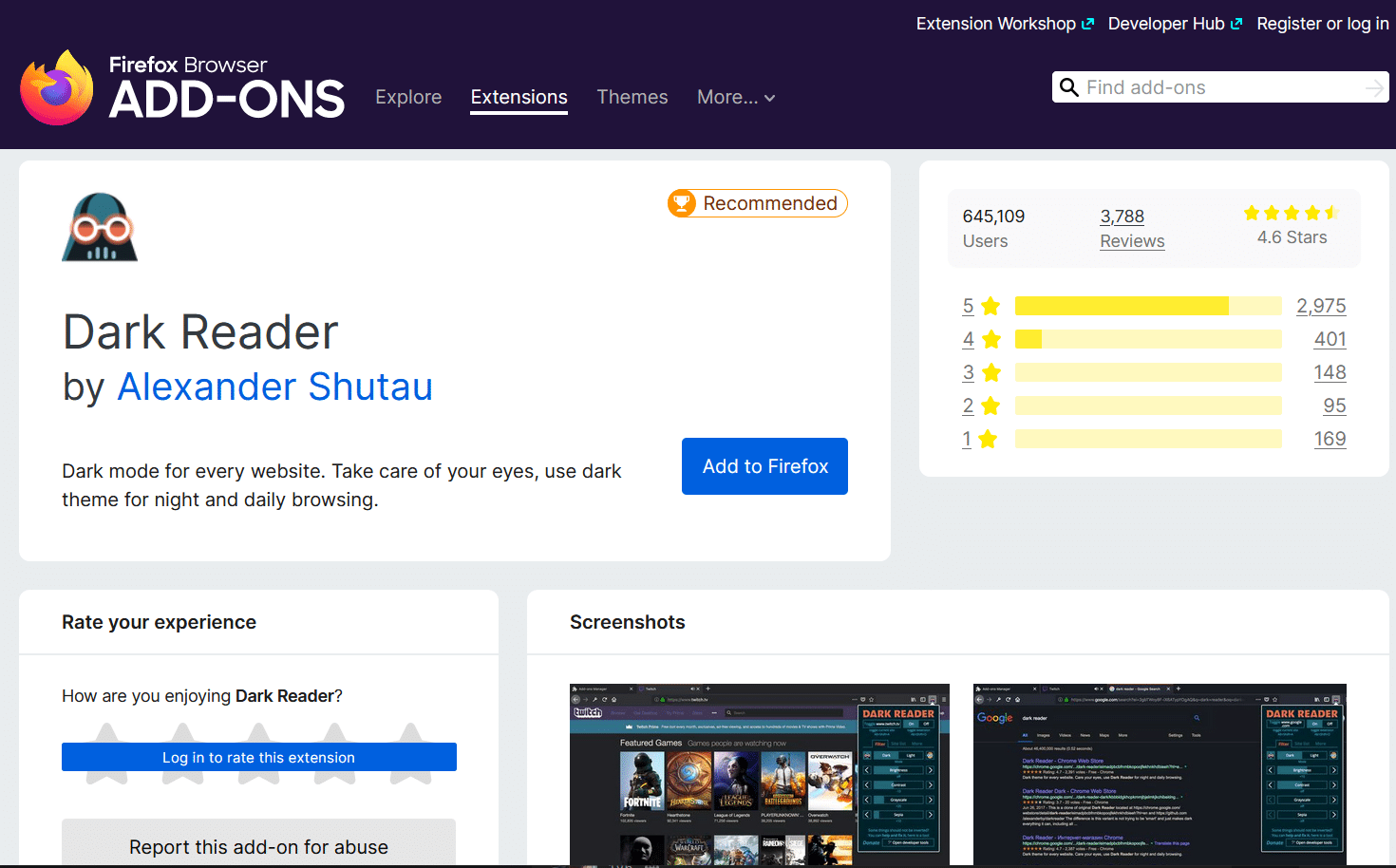
It’s a lot easier on the eyes, especially if you use the browser for work or research into the evening hours.
Features:
- It gives you the option to turn on dark mode for every website on the internet.
- Allows you to adjust brightness, sepia filter, font settings, and more.
Benefits:
- Reduce the strain on your eyes from prolonged web surfing with dark mode on every website.
11. Web Development and Design: Stylus
If you’re a web developer or web designer, the Stylus extension can make your browsing experience a lot more interesting.
It lets you freely redesign your favorite websites using your personalized CSS stylesheets.
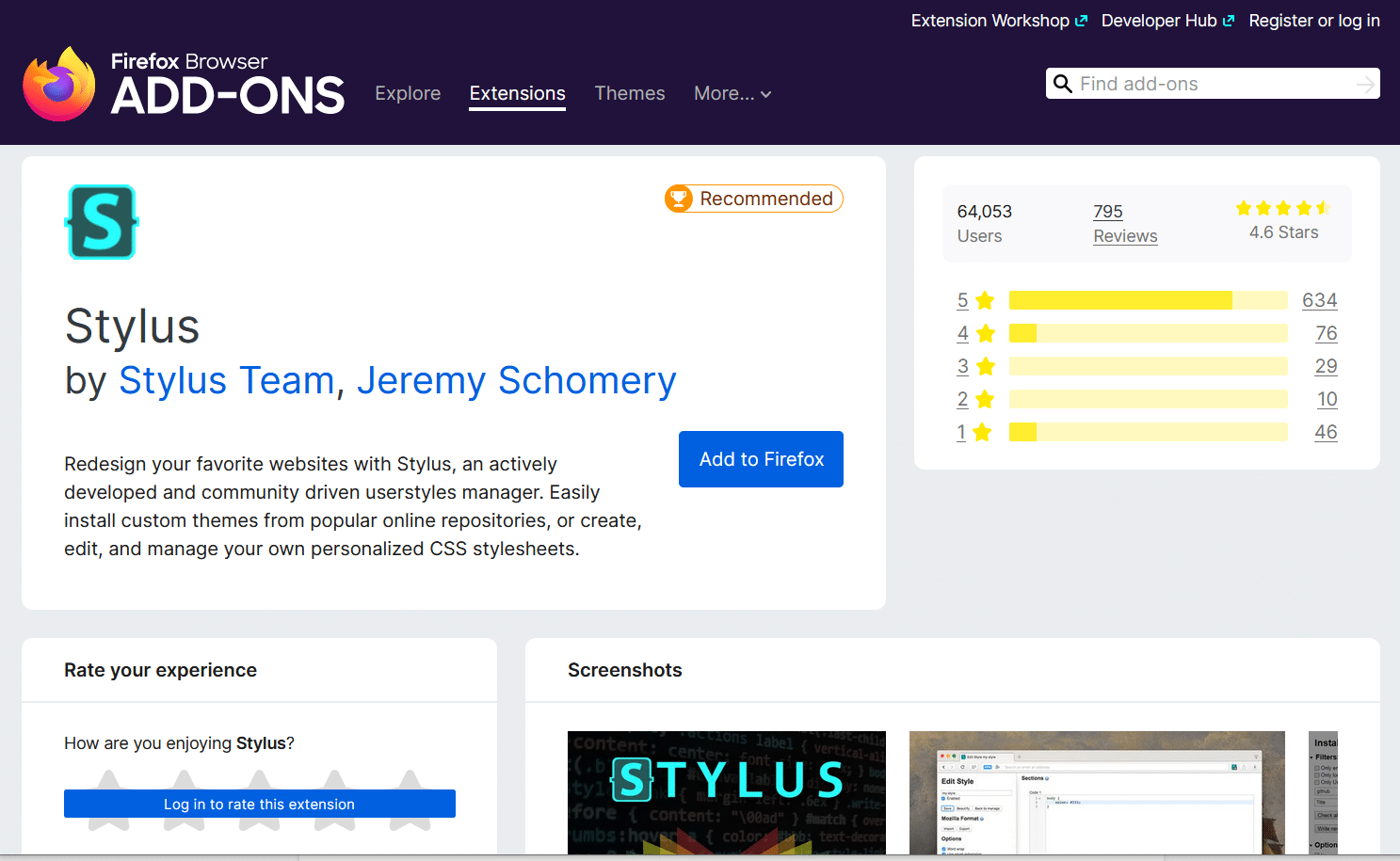
Feel like a blog doesn’t have enough white space? You can add it yourself. Don’t like the color schemes on a forum or subreddit? You can change it to suit your tastes better.
Stylus gives you the creative freedom to make the web pages you interact with look like you want them to look.
Features:
- Allows you to create custom themes.
- Includes advanced features like optional layouts, color and icon choices, and more.
- It gives you the option to install themes from other designers and developers.
- Backs up all your designs with the click of a button.
Benefits:
- Make the web look like you want it to look, and get better at web design while doing it.
12. YouTube Experience: Enhancer for YouTube
Are you not satisfied with the regular YouTube user experience? Do you want extra features like automated quality selection and the ability to use the mouse wheel to control volume?
Enhancer for YouTube offers all that and more.
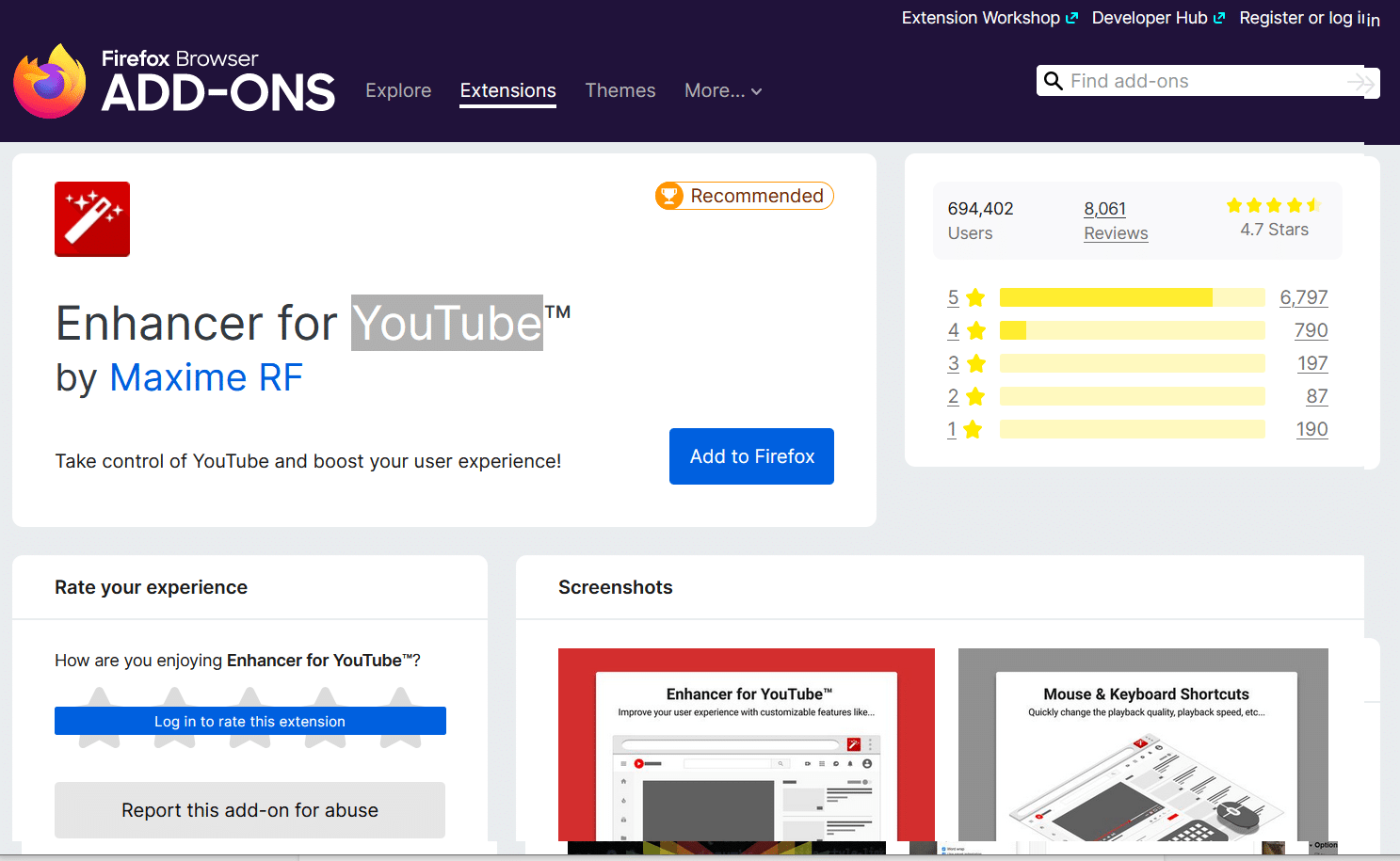
It gives you total control over your own experience on YouTube, including whether you want to watch ads for specific channels. Whether you are creating a YouTube channel or doing some video marketing on YouTube, this extension is a solid one to have.
You can create custom shortcuts for keyboard and mouse buttons and develop the optimal user experience for yourself.
Features:
- Allows you to set up custom keyboard and mouse shortcuts for 30+ different functions.
- It gives you the option to choose your preferred video quality and other settings for all videos.
Benefits:
- Experience the optimal YouTube user experience that you create yourself.
Even though it’s lost some popularity, Firefox is still top-three in the world in terms of browser market share.
And it’s clear why when you review the extension library — there are thousands of extensions available for every purpose. The 12 we covered above are just a starting point.
Don’t be afraid to search the library on your own and find the Firefox extensions that you need to make your life easier.